
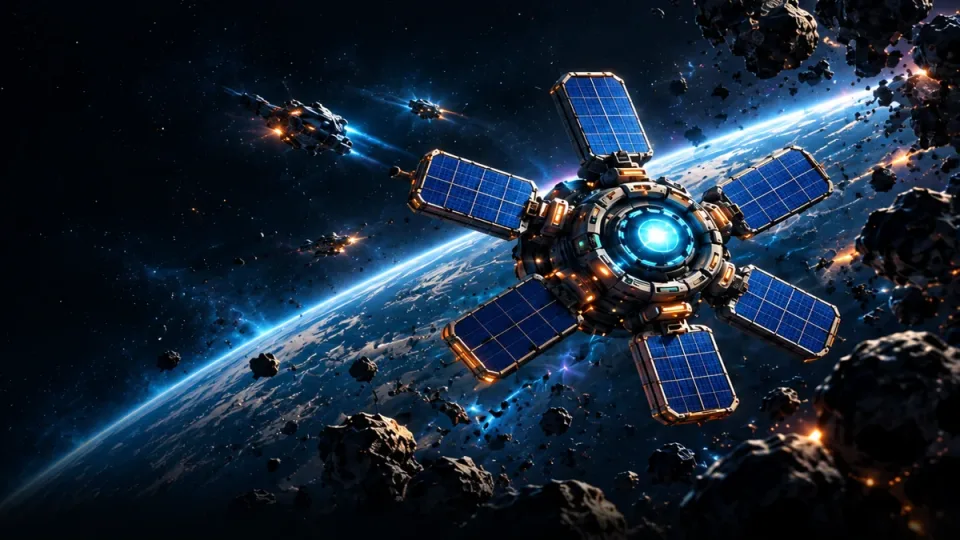
A station can be connected to your Iron Nebula: Tower Defense base and still struggle to get enough energy. A connection provides a route to power; it does not create the energy that mining, construction and weapons consume. To diagnose a shortage, separate three questions: what generates energy, where it is stored, and what is using it.
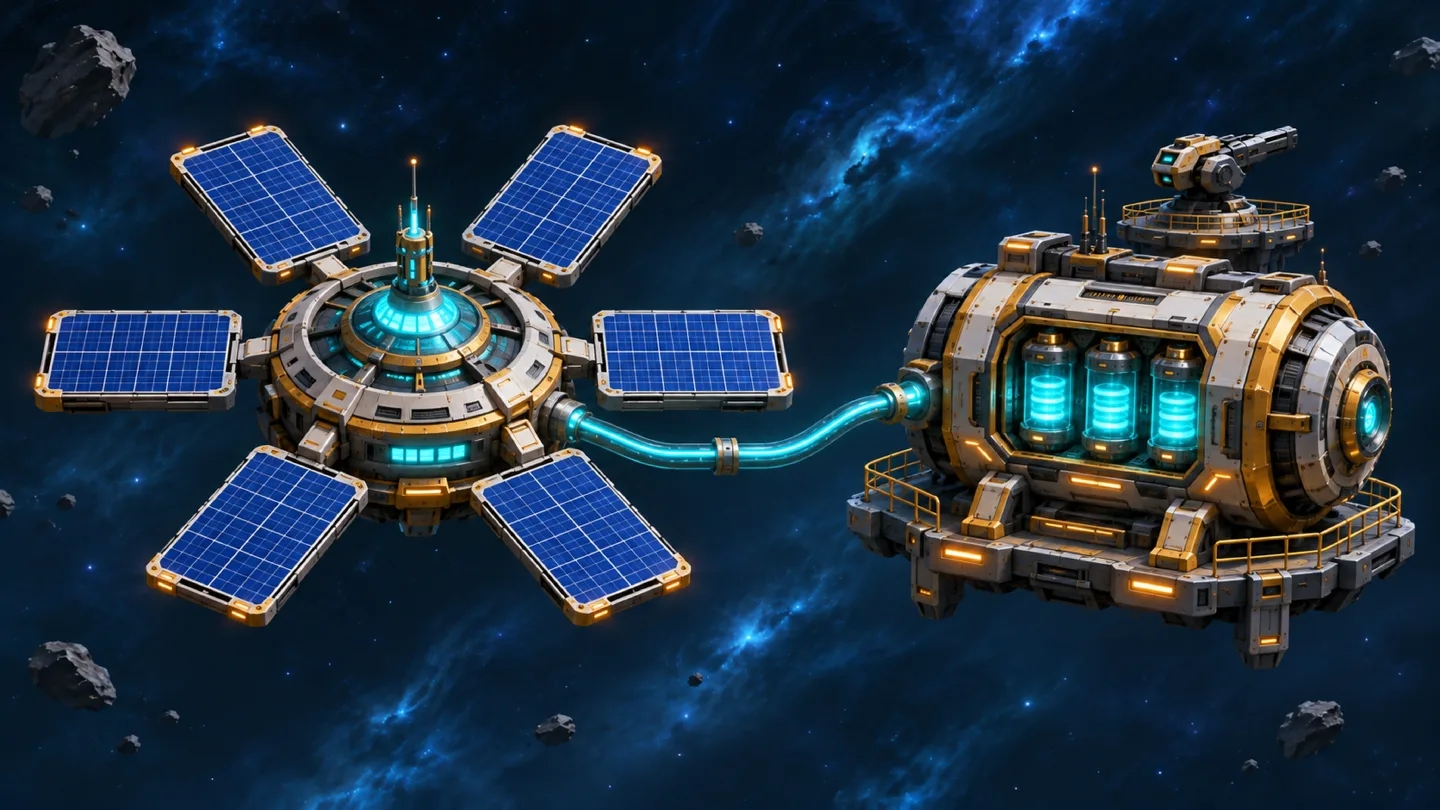
Generation and storage solve different problems
Solar stations generate energy. They replenish the supply that the connected base draws on. Storage holds a reserve. It can collect energy from the network and make that charge available when another structure needs it.
Adding storage increases the room available for a reserve, but it does not replace solar production. If consumption keeps exceeding generation, a larger reserve can still run down. Conversely, a base that refills between attacks but empties during combat presents a different problem from one that never recovers.
Read the ENERGY counter as a reserve
The ENERGY display shows stored energy against capacity. It is a snapshot of the reserve, rather than a production-per-second reading. Watch how it changes while the base is working, then compare that with a quieter moment.
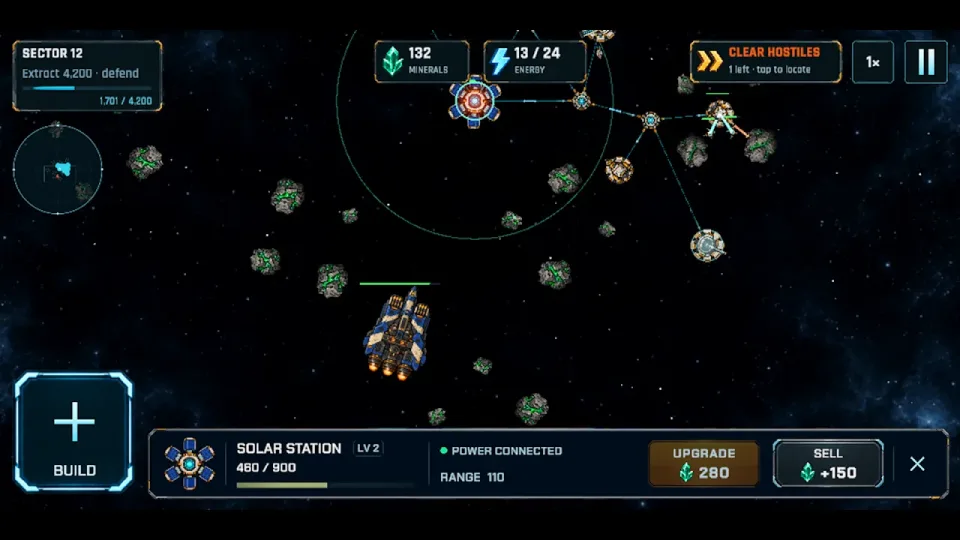
If the reserve steadily falls, consider what is drawing on it. If it recovers when fighting stops, combat demand is part of the picture. If the base has energy but one section cannot use it, inspect that section’s connections. A total for the base cannot tell you whether every branch has access to the supply it needs.
Expansion adds demand before it pays off
Mining and defense share the network. New construction also draws energy while structures are being built. Expanding several parts of the base together can therefore put pressure on the supply before the new investment is doing its intended job.
Before committing more minerals, look at the activity already under way. Are miners working while guns are firing? Is another structure still being constructed? Adding one more consumer does not fix a shortage in what those structures share.
Check the route, the reserve, then the next build
- Trace the affected branch. Check its links back to an available supply. A damaged or interrupted connection is a different problem from an empty reserve.
- Watch the reserve over time. Distinguish a short combat dip from a supply that keeps draining without recovering.
- Match the investment to the symptom. More generation addresses replenishment; storage provides reserve capacity; restoring a connection addresses access. Decide which problem you actually have before placing another building.
These checks are a way to read the base, not a fixed build order. The right next step depends on the current field, damage and workload. Start by identifying the shortage instead of assuming that every power problem needs the same structure.
For the broader mining-and-defense loop, read our Iron Nebula introduction. Visit the Iron Nebula: Tower Defense game page for more screenshots and the official Android download.